
How it works
FROM YOUR CONTENT TO A LIVE CONVERSATION
Real screens from the product, played as a walkthrough. Press play, or step through at your own pace.
Part one
SETTING UP
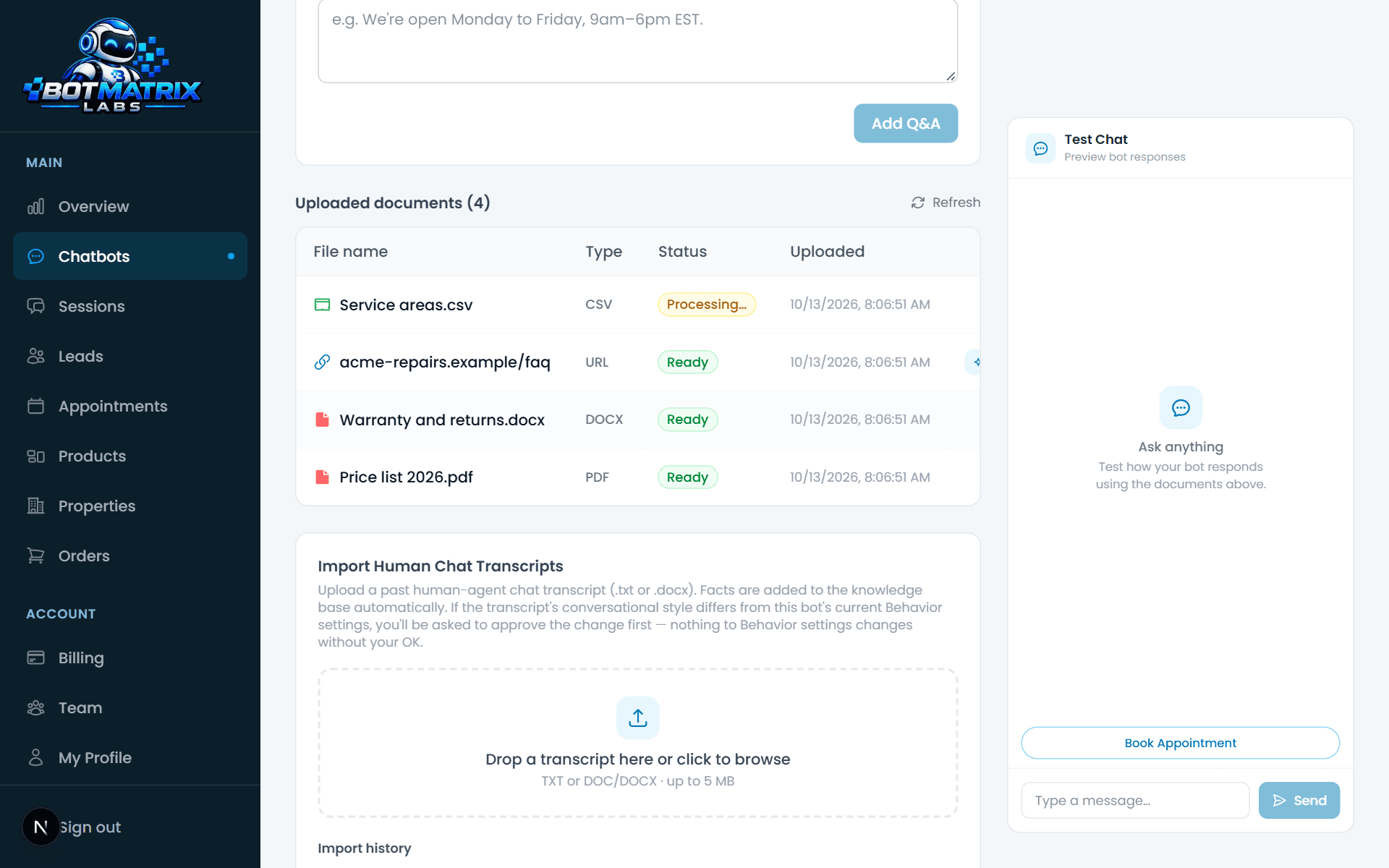
Ten minutes, no developer. Three of these screens are the whole job; the fourth is one line of HTML.
Setting up
- 01
Add your content
Upload documents or paste your website address. We index it in the background.
- 02
Shape the answers
Pick a bot, set the tone, the details it collects, your hours and when it hands over to a person.
- 03
Go live and watch
Paste one script tag on your site, then follow the conversations from your dashboard or the mobile app and step in when you want to.
Part two
RUNNING IT DAY TO DAY
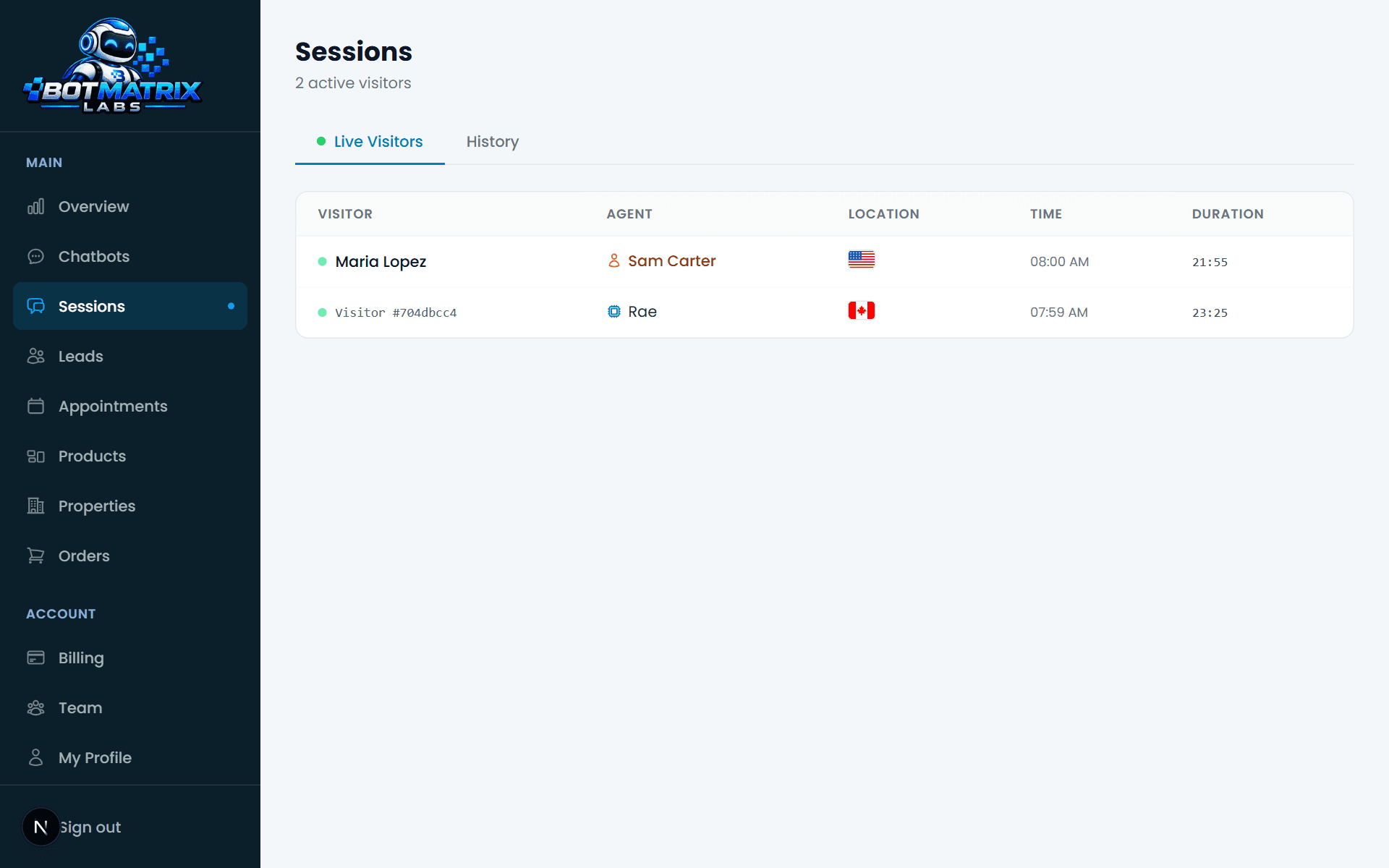
What your team sees once the bot is live: the dashboard on a laptop, and the same thing in the mobile app.
Day to day
WHAT HAPPENS WHEN NOBODY IS THERE
The part most chatbots get wrong.
- A visitor writes outside your hours
- The bot answers on its own, in full. If you prefer, the widget can hide itself after hours instead.
- A visitor writes during hours and nobody replies
- In people-first mode the bot waits the time you set, then steps in. If someone had taken the chat and went quiet, the bot takes it back only when the visitor is the one waiting.
- A visitor reads but never types
- After a wait you set, one short AI-written line about the page they are on appears by the chat button. One per visit, never a popup.
- Your teammate took a chat, then the visitor left
- The hold ends on its own once the visitor has been gone a while, so a returning visitor is never stuck waiting for someone who has logged off.
SEE IT WITH YOUR OWN CONTENT
Start free, add your content, and see what it answers. No card, no call.
Create your chatbot